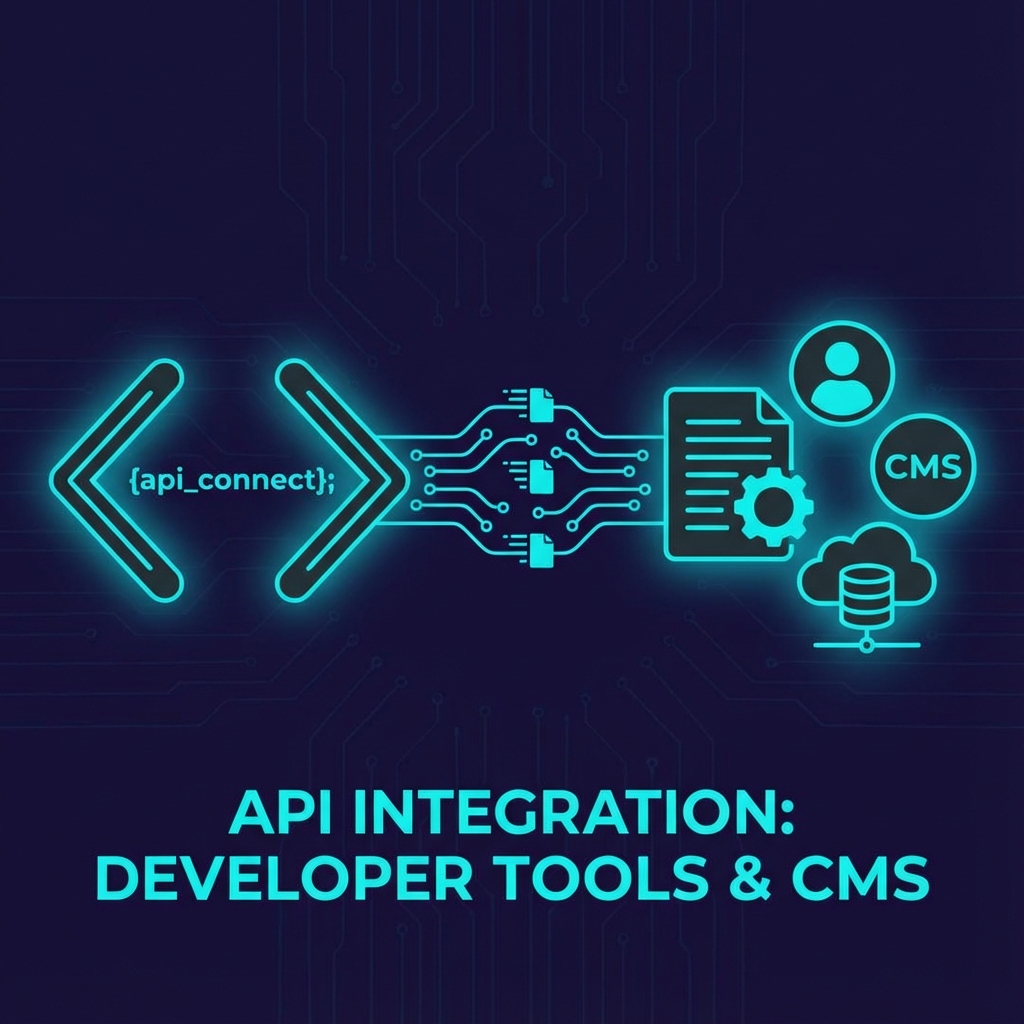
Integrating SimpleDub with Your CMS
Automate your video localization workflow by connecting SimpleDub directly to your content management system.
Supported Integrations
SimpleDub offers native integrations with:
- WordPress
- Contentful
- Strapi
- Custom solutions via REST API
API Overview
Our REST API allows you to:
- Submit videos for processing
- Check job status
- Download completed files
- Manage language preferences
WordPress Integration
Step 1: Install the Plugin
Download and install the SimpleDub WordPress plugin from your dashboard.
Step 2: Configure API Access
Enter your API key in Settings > SimpleDub.
Step 3: Automate Uploads
Enable automatic processing for new video uploads.
// Example: Trigger dubbing on upload
add_action('add_attachment', function($attachment_id) {
    if (wp_attachment_is('video', $attachment_id)) {
        simpledub_process_video($attachment_id, ['es', 'pt', 'de']);
    }
});
REST API Example
// Submit video for processing
const response = await fetch('https://api.simpledub.com/v1/jobs', {
    method: 'POST',
    headers: {
        'Authorization': 'Bearer YOUR_API_KEY',
        'Content-Type': 'application/json'
    },
    body: JSON.stringify({
        video_url: 'https://example.com/video.mp4',
        target_languages: ['es', 'pt', 'de'],
        voice_clone: true
    })
});
Best Practices
- Use webhooks for job completion notifications
- Implement retry logic for large files
- Store job IDs for tracking and debugging
- Set up monitoring for API usage
Need help with integration? Contact our developer support.